
What is website management?
Website management is everything that keeps a website working for your business after it goes live. That means technical upkeep like updates, backups and security, plus the growth side: fresh content, new pages and SEO.
Launching a website is like planting a houseplant. Website management is the watering. Skip it and things go brown and crispy, slowly, and then all at once.
Plenty of business owners think of a website as a one-off job. You pay for it, it goes live, job done. Then three years later it’s slow, the prices are wrong and nobody can find the login.
The truth is less exciting but more useful. A website is never really finished. The good news is that looking after one isn’t hard, once you know what actually needs doing.
Website management vs website maintenance
People use the two terms interchangeably, and that’s mostly fine. But it helps to split them, because they do different jobs.
Website maintenance
Keeping the lights on. Updates, backups, security, fixing broken links and making sure the contact form still sends. Think MOT and oil change.
Website management
Keeping it earning. Fresh content, new pages, SEO, checking what Google and your visitors are doing, and acting on it. Think a driver who knows where they’re going.
Website maintenance stops things going wrong. Website management makes things go right. A perfectly maintained website that never changes is safe, but it won’t win you many new customers.
Most website management services cover both. When you compare quotes, check which half you’re actually getting. “Maintenance” sometimes means “we’ll run the updates and that’s your lot”.
Your website maintenance checklist
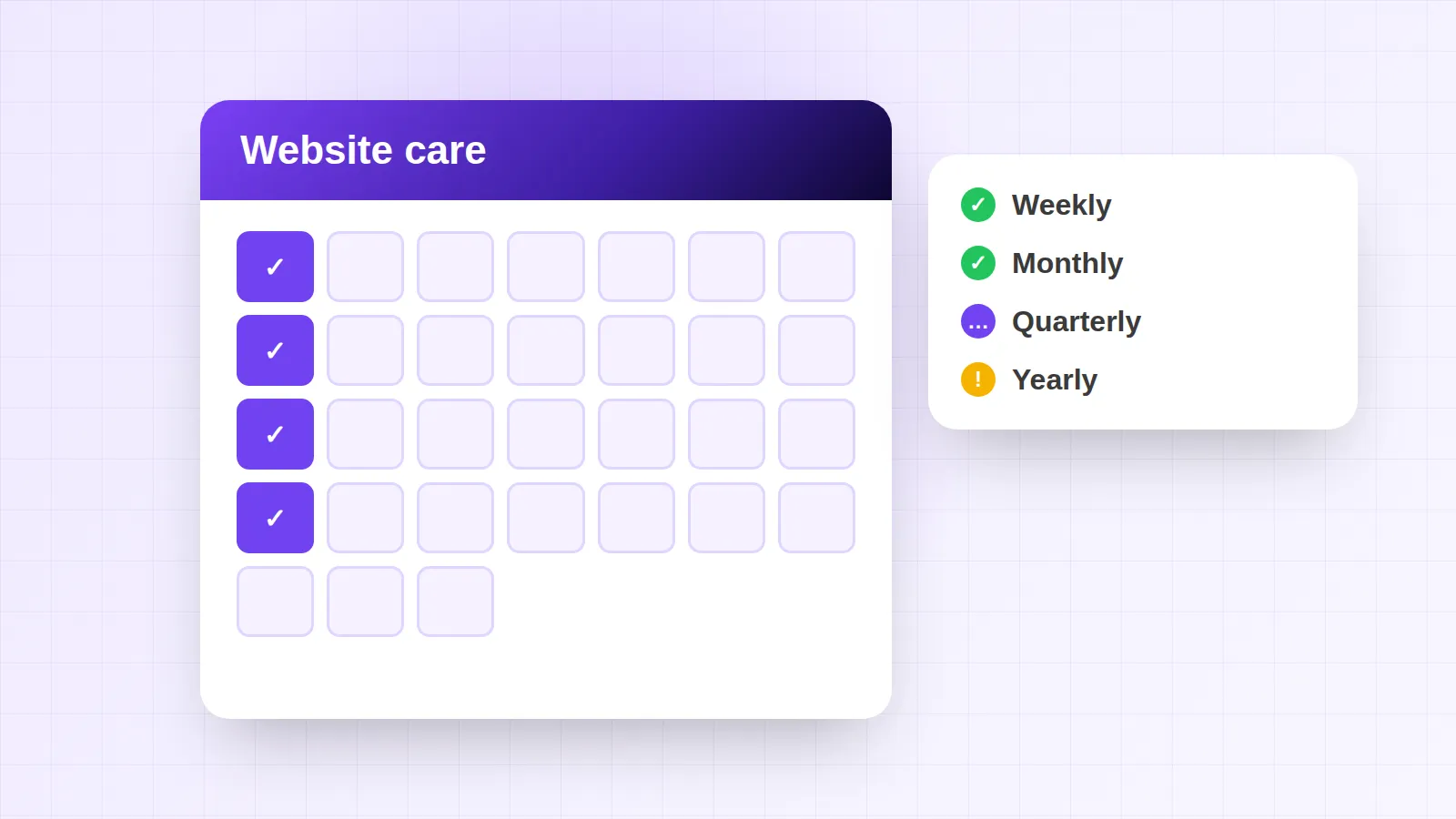
Here’s a realistic website maintenance checklist for a small business site. Not a 47-point enterprise audit. Just the jobs that matter, and how often to do them.
Every week: a quick once-over
Open your site on your phone. Does it load quickly? Does the contact form work?
Send yourself a test enquiry if you haven’t had one for a while. Five minutes, tops.
Every month: updates and backups
Install software and plugin updates, and check a recent backup exists somewhere other than the website itself. Out-of-date software is one of the easiest ways in for hackers. The National Cyber Security Centre’s small business guide puts keeping software up to date near the top of its list.
Every month: check what Google sees
Log in to Google Search Console, the free tool that shows which searches bring people to your site and flags any pages Google can’t read. Fix errors while they’re small.
Every quarter: refresh the content
Update prices, services, photos and opening hours. Add a new project, a case study or a blog post. Fresh, accurate content helps visitors trust you and gives Google a reason to come back.
Every year: the big MOT
Renew your domain, review your hosting and check who has access to every account. Then ask the honest question: is this website still doing its job, or is it time for a redesign?
Speed deserves its own mention. Google measures it with Core Web Vitals, a set of scores for loading speed, responsiveness and how much the page jumps about. Sites tend to get slower over time as images and plugins pile up, so it’s worth checking now and then.
How often should you update your website?
The honest answer: small checks monthly, content every few months, and a proper review once a year. If that sounds like a lot, it isn’t. Most months it’s a short job, and much of it is simply checking nothing’s broken.
You’ll know it’s overdue when you spot any of these warning signs:
- Your prices, opening hours or team photos are from a previous era (and a previous haircut).
- The copyright in the footer still says 2021. Visitors notice. So do you, now.
- The contact form hasn’t sent you an enquiry in months, and you’re not sure it works.
- Your browser shows “Not secure” next to your web address.
- Pages take ages to load on your phone, or bits of the layout jump around.
- You can’t remember who has the login, the domain or the hosting account.
If two or more of those made you wince, don’t panic. Most of them are quick fixes. And if your website needs more than a tidy-up, our guide to website design and development explains how to redesign without losing your Google rankings.
DIY website management or website management services?
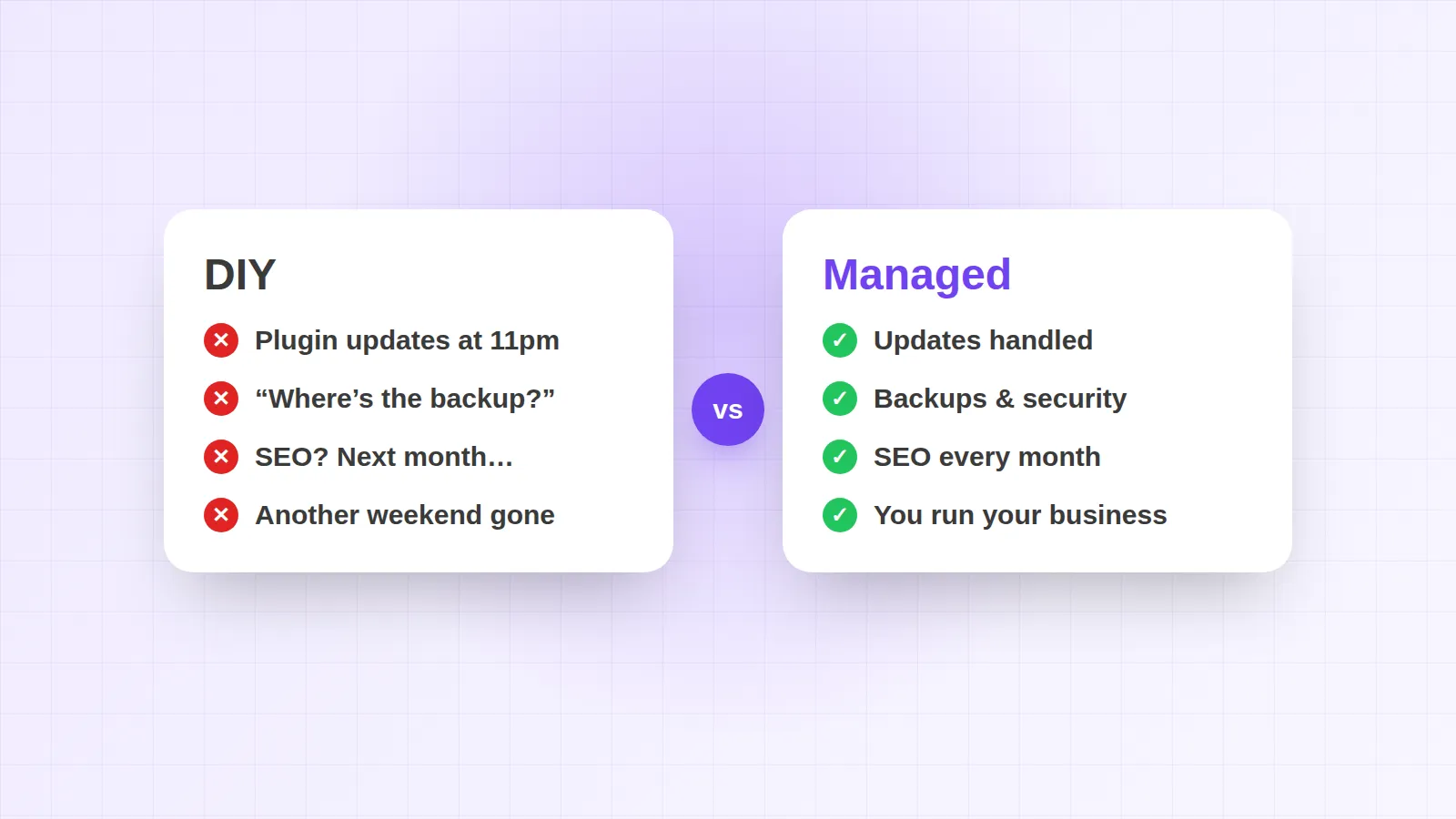
You can absolutely manage your own website. Lots of business owners do. Here’s the honest trade-off:
- DIY works if your site is small, you’re comfortable with the tech and you’ll genuinely do the checks. It costs nothing but your time.
- Website management services make sense when your website brings in real work, you’d rather spend your time on customers, or the to-do list keeps sliding to “next month”.
The hidden cost of DIY is rarely money. It’s the update you didn’t run, the form that quietly broke, or the SEO you meant to start in spring. Small gaps add up, and you usually find out from a customer.
What to look for in website management services
If you decide to hand it over, not all website management services are created equal. Some are brilliant. Some send an invoice every month and a “we updated a plugin” email every never. Before you sign, check for these:
- A clear list of what’s included. Updates, backups, security, content changes, SEO? Get it in writing, not “general upkeep”.
- You own everything. Your domain, your content and your website should be yours, with logins you can access whenever you like.
- Regular, plain-English reports. You should know what was done each month and how your site is performing, without needing a dictionary.
- Fast help when things break. Ask how quickly they respond, and who you’ll actually be talking to when you get in touch.
- Growth, not just upkeep. The best services suggest improvements, like new pages or better calls to action, rather than waiting to be asked.
A good provider answers all of these without squirming. If the answers are vague, the service probably is too.
How much does website maintenance cost in the UK?
Website maintenance costs vary hugely, mostly because “maintenance” means different things to different people. As a rough guide:
- DIY website builders: around £10–£40 a month, plus your time.
- Agencies: often £50–£200 or more a month, depending on what’s included.
- A domain name: typically around £10–£20 a year, whoever manages the site.
At Design Wiz, hosting for a one-off website is £15/month. If you want the whole lot handled, the Design & SEO Membership is £199/month. That covers your bespoke website, hosting, unlimited design and development requests, monthly SEO and performance reviews, and Google Business Profile optimisation.
Whatever you choose, ask what’s actually included before you sign. Our UK website cost guide lists the questions worth asking, and the ongoing costs people tend to forget.
Website maintenance in London
If you’re a London business, competition for local searches is fierce. Someone searching “plumber Hackney” or “dentist Clapham” sees a handful of results, and the businesses at the top are usually the ones keeping their websites and Google profiles fresh.
That’s why website maintenance in London is about more than updates. Keep your service and area pages accurate, your Google Business Profile active and your reviews flowing. We help businesses across all 32 boroughs with exactly that. See how we work with businesses across London.
Real projects, real owners
Good website management feels like having someone in your corner. Here’s how two business owners we’ve worked with describe it.
“From the very beginning, Design Wiz has been clear and concise, ensuring that we were well-connected throughout the whole design and building process. When issues occurred, they were quick and supportive to resolve these matters, and helped establish our website and expand our business.”
“Design Wiz really helped me transform my website ideas into real life and made an unreal design for the site. The website really helped me kick start my new business, as it gave me the confidence to show such a slick new website. I would highly recommend anyone to work with Design Wiz.”
Notice the theme: quick help when something went wrong, and a website they were proud to send people to. That’s what ongoing care is for.
The bottom line on website management
Website management isn’t glamorous, and it isn’t magic (even if our logo is a wizard). It’s a little regular care that keeps your site fast, secure and bringing in enquiries.
Do it yourself with the checklist above, or hand it to someone who’ll actually do it. Either way, don’t leave it until something breaks. Not sure where your website stands? Grab a free website audit and we’ll tell you, kindly but honestly.
